
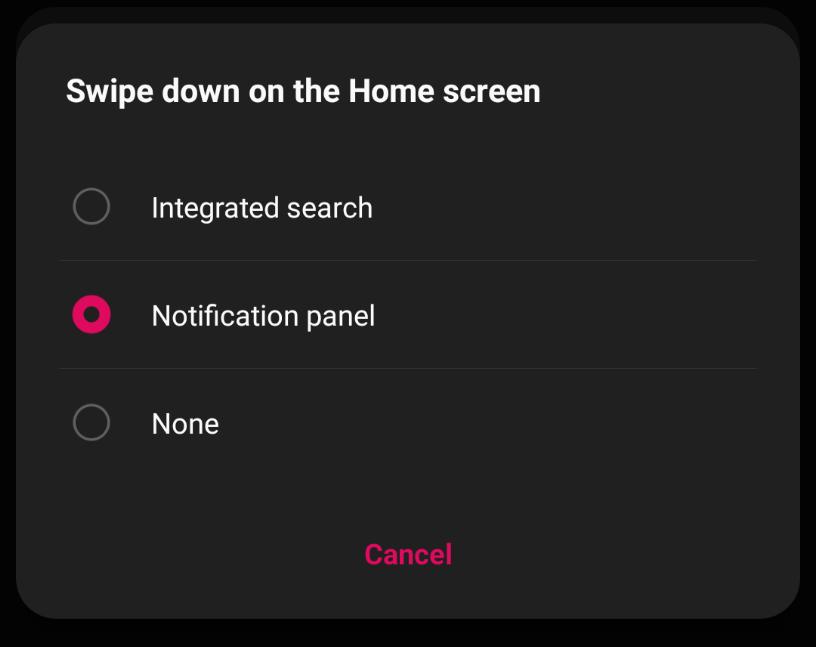
Before Android 11, there was an annoying issue with the LG V60 ThinQ 5G where it was missing the swipe down on the home screen shortcut to view the notification panel. This was present on pretty much every other Android phone out there on Android 10, but not on the LG V60. Instead, we got a search panel that would show up. Well now with Android 11, we can finally enable the Notification Panel with an easy swipe down from the home screen.
All you need to do is go to Settings > Display > Home screen > Swipe down on the Home screen. Here you can choose 1 of 3 options. You can choose integrated search, notification panel, or none.
This is certainly a welcome addition, which makes one-handed use a bit easier.
 The Gamer With Kids
Thank you! This is the only place where I could find an answer to how to fix this.