
As much as I would prefer unlocked versions of flagship phones, carrier deals are sometimes too good to pass up, especially if I can trade in an ancient phone that isn’t worth much for credit that pays off a whole device. The new Samsung Galaxy S24 Ultra was no exception. The only downside to picking up the carrier version of this phone is the bloatware that comes installed. However, I’m pretty surprised that this phone doesn’t come with quite as much as I thought it would.
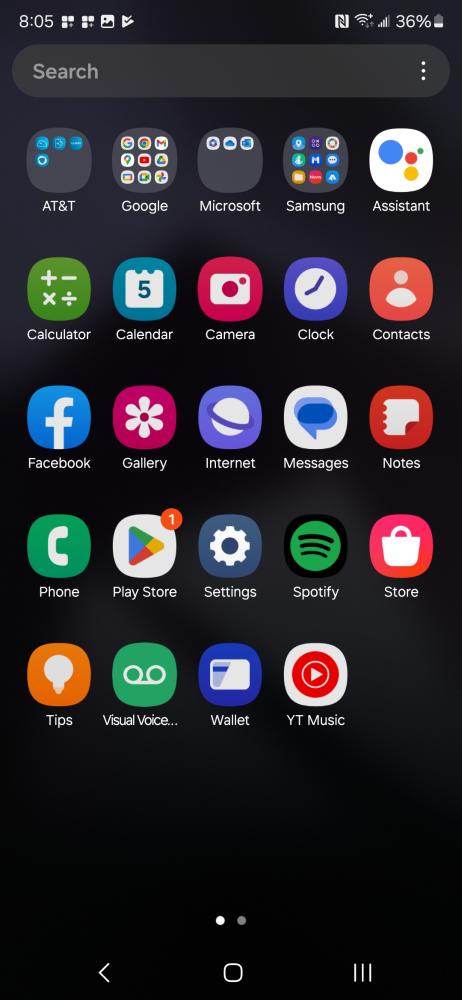

Here’s the list of what comes on the AT&T Samsung Galaxy S24 Ultra when you start it up:
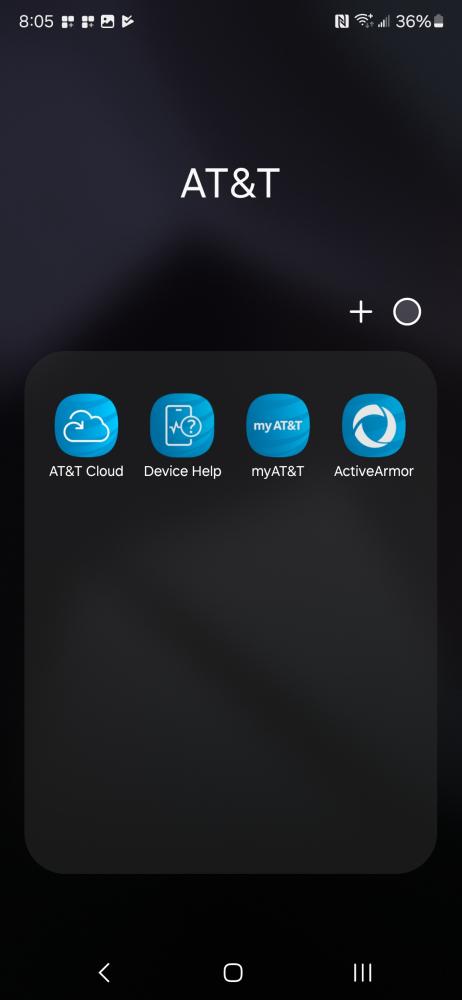
AT&T Branded Apps
- AT&T Cloud
- Device Help
- myAT&T
- ActiveArmor
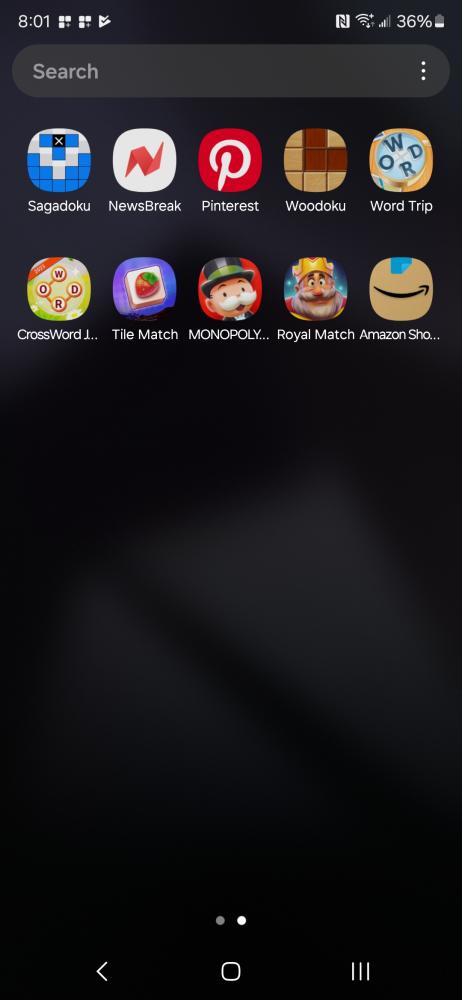
3rd Party Apps
- Spotify
- Sagadoku
- NewsBreak
- Woodoku
- Word Trip
- CrossWord J
- Tile Match
- Monopoly
- Royal Match
- Amazon Shopping
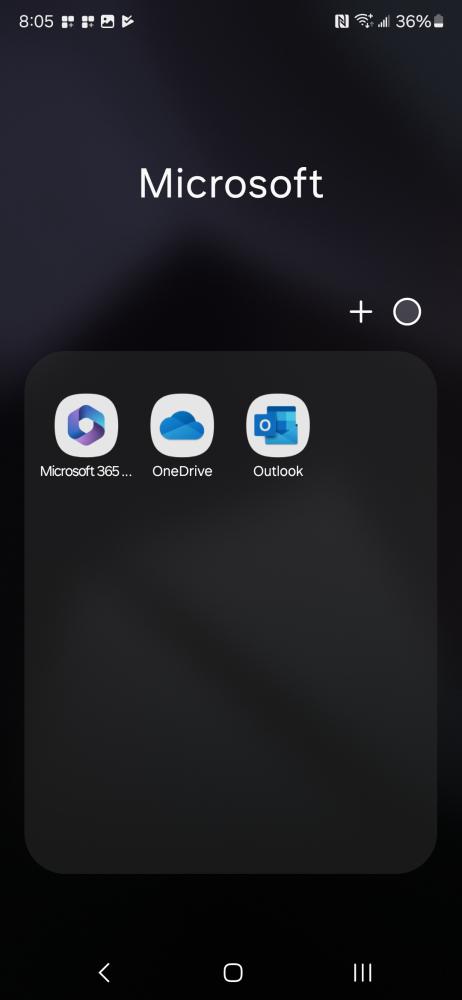
- Microsoft 365
- OneDrive
- Outlook
This list is a lot smaller than the list I had on my original Galaxy S21 Ultra 5G from AT&T. All the 3rd party apps here I was able to delete while the AT&T apps you can disable. To ensure that you won’t get any more 3rd party apps downloaded automatically consider disabling AppCloud.
I should make note that Samsung does include a lot of their own Samsung branded apps as well, but I’m not sure if I would consider those as Bloatware since these also come on their Unlocked devices as well. Regardless, most of these can be deleted as well if you’d rather use the Google variants of these apps instead.
SHOP LINK
Thank You for Visiting TheGamerWithKids
I love bringing you guys the latest and greatest reviews whether it be apps or gadgets, but hosting and maintaining a website doesn’t come cheap. If you would like to purchase any of the items mentioned on the site, please do so by clicking our links to Amazon first and then purchasing the items. This way, we get a small portion of the sale and this helps me run the website. Thanks!
 The Gamer With Kids
[…] Sam Huang, the recently released Samsung Galaxy S 24 Ultra from AT&T is light on bloatware but includes NewsBreak among its 14 pre-installed third-party […]