
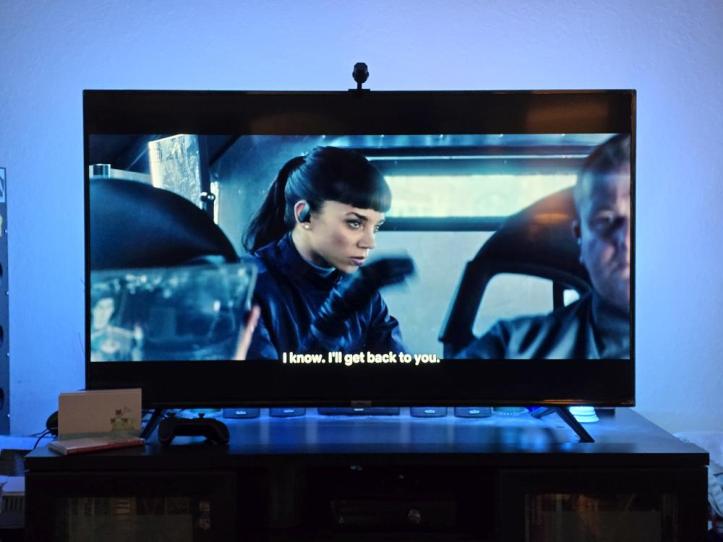
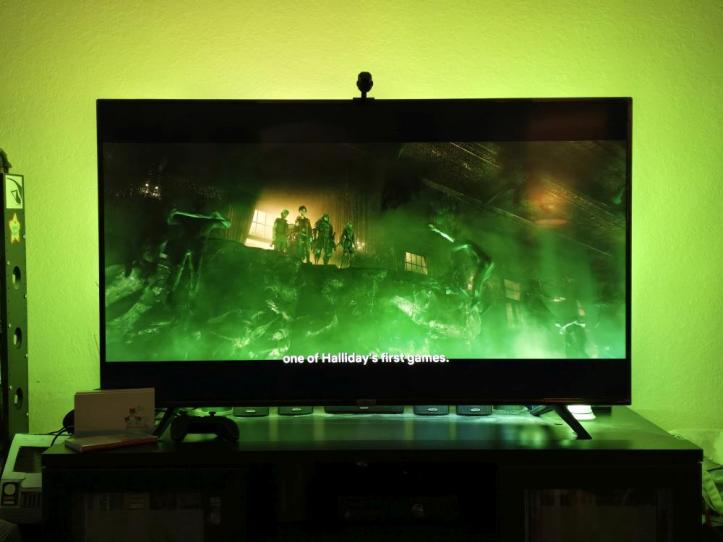
Take your television watching to a whole new level with Nanoleaf 4D, a screen mirror camera kit that syncs the colors from your screen and displays them on an addressable gradient LED light strip mounted behind it. This gives you the illusion that what you see on television extends beyond the screen with backlit illumination.
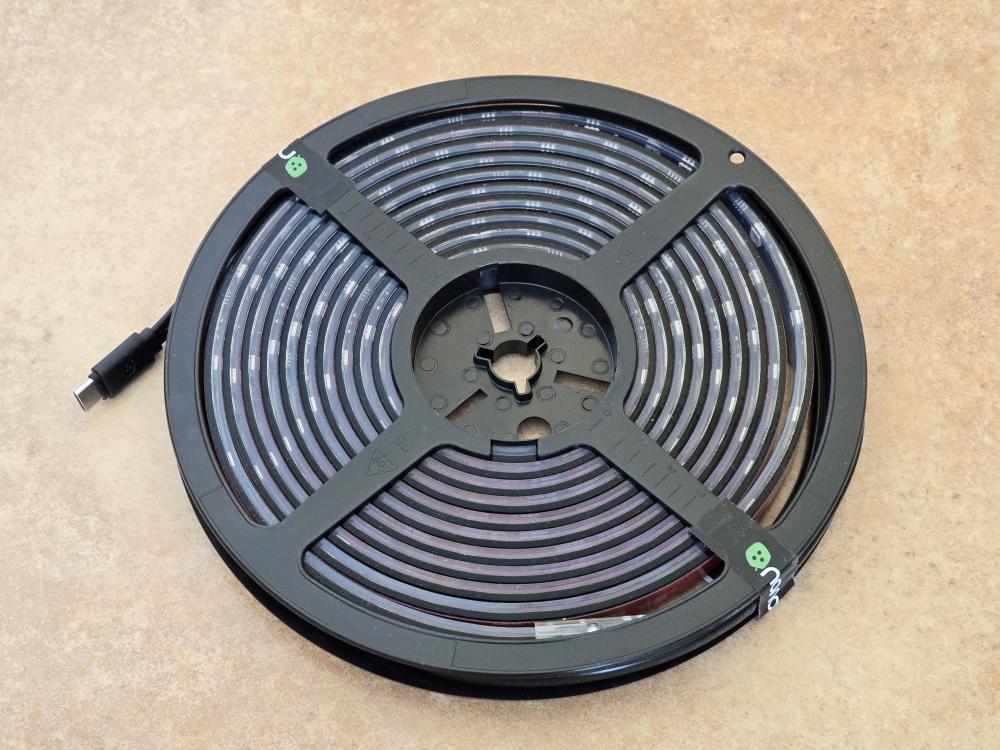
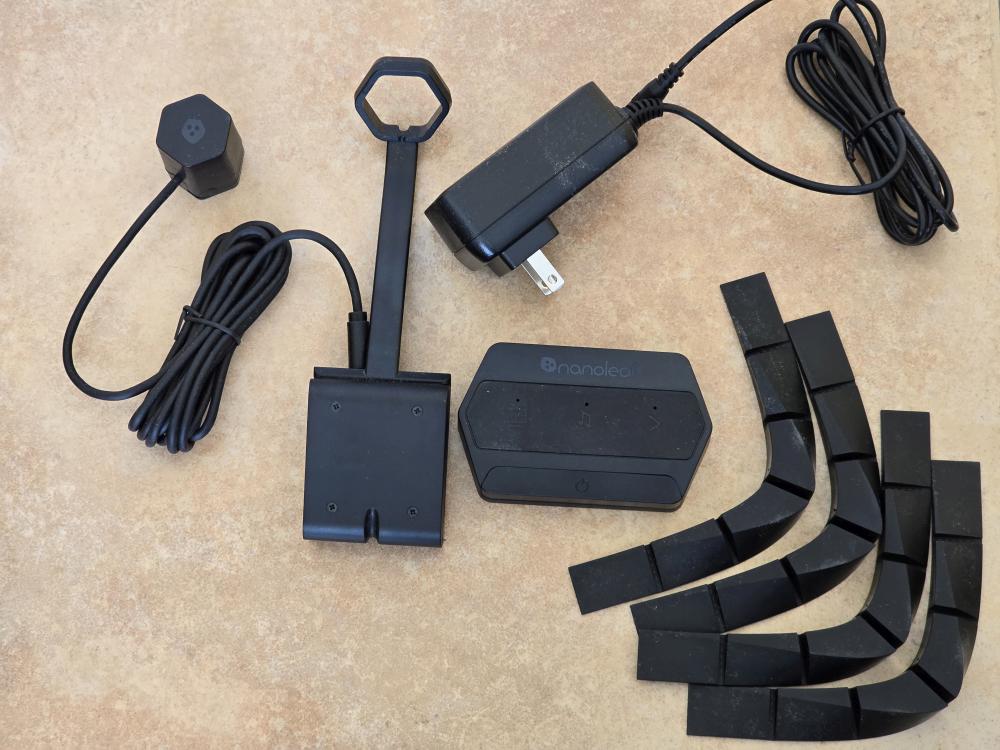
The Nanoleaf 4D kit is a very extensive kit that includes everything you need to complete your home television upgrade. You get the screen mirroring camera and camera cap cover, addressable gradient LED light strip, controller unit, corner brackets, and power cord. You will also need to download the Nanoleaf app to your phone, which is available for both iOS and Android.
Installation isn’t too difficult, though it does require some time. Make sure the back of your television is clean and dust-free. You will then install the corner brackets before running the LED light strip around the back of your television. After using the double-sided tape to stick the light strip to the back of your television, you’ll need to connect that to the controller and then to the power cable.
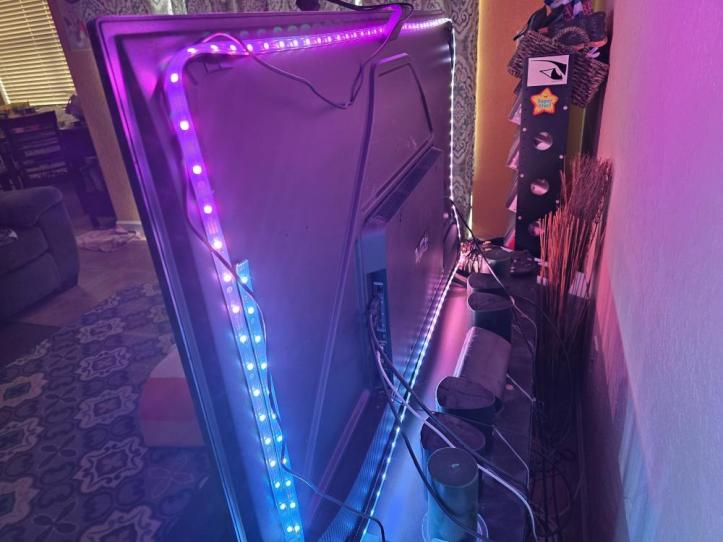
That’s it for the hardware, and the rest will require software adjustments. This part took the longest for me because for some reason, the Nanoleaf app did not want to recognize the hardware and when it did, at one point during installation, everything just froze. There was even a point where I thought the controller was fried, but it wasn’t. After unplugging from power for a few hours, I went back to see if I could complete the installation again and magically, it worked.
You have to adjust the placement of your camera borders based on your screen and the position of the corners on your television so it aligns with the LED light strips. After that, you are pretty much set. What’s neat is that you don’t have to use the controller to turn the lights on and off. I’m on Android so I can also use Google Home to control them.
The app is where a lot of the magic happens and you’ll be able to set different lighting scenes, lighting modes, and more. You can also use the app to sync the 4D lights with other Nanoleaf products. It’s not difficult to use, but there are a lot of settings and details you’ll want to be familiar with in it.
With that said, the Nanoleaf 4D has really improved television for me. Movies seem more dynamic now especially when they extend beyond the screen and having backlighting also keeps my eyes from feeling strained when I stare at the screen for too long. It really has made watching movies and television shows more exciting and immersive.
Thank You for Visiting TheGamerWithKids
I love bringing you guys the latest and greatest reviews whether it be apps or gadgets, but hosting and maintaining a website doesn’t come cheap. If you would like to purchase any of the items mentioned on the site, please do so by clicking our links to Amazon first and then purchasing the items. This way, we get a small portion of the sale and this helps me run the website. Thanks!
This review is made possible with my affiliation with G Style Magazine. These items were sent to us by the company or their PR reps for review and evaluation. It is also featured on the G Style Magazine website which is a tech blog that focuses on the fashion aspect of tech. Please visit their site for more interesting reviews on all your favorite gadgets and gear.
 The Gamer With Kids