

Tired of fumbling for keys or managing an ever-growing list of door codes? The ULTRALOQ Bolt NFC Smart Wi-Fi Deadbolt is here to bring next-level convenience and modern security to your front door. This smart lock is a standout, especially for Apple users, thanks to its seamless integration with Apple HomeKey, allowing you to unlock your door with a simple tap of your iPhone or Apple Watch—no apps or unlocking your phone required. If you have Android, don’t worry, because this also with NFC. Not only that, with built-in Wi-Fi for remote access and a variety of other entry methods (including keypad and key card), the Bolt NFC offers a versatile, keyless solution that fits perfectly into any smart home ecosystem without needing an extra hub.
DESIGN
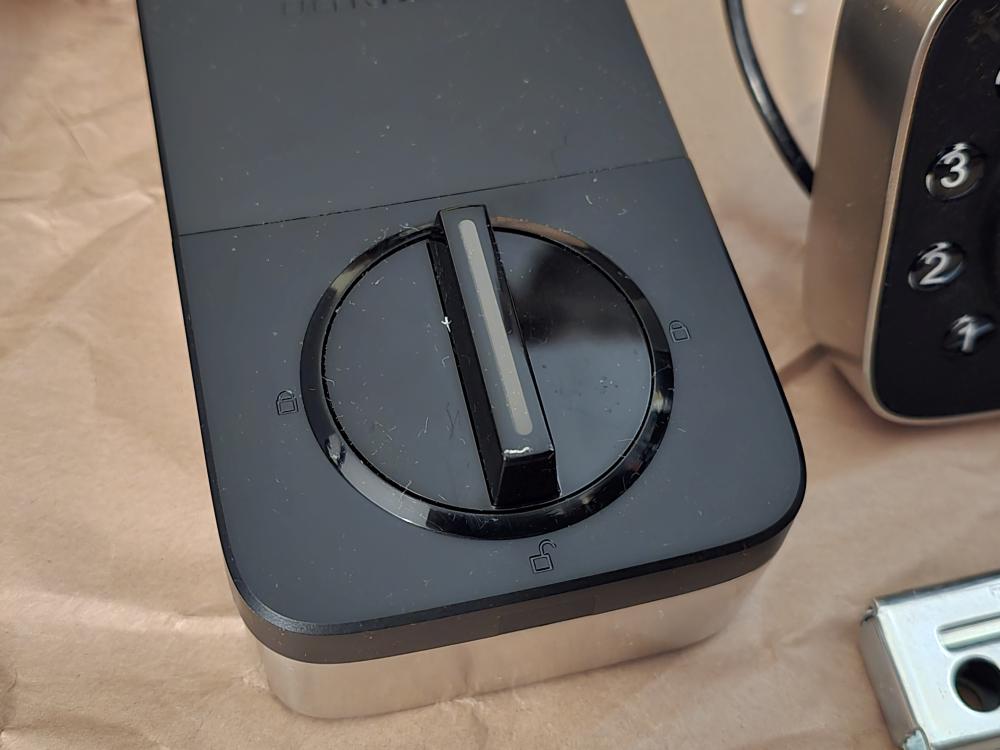
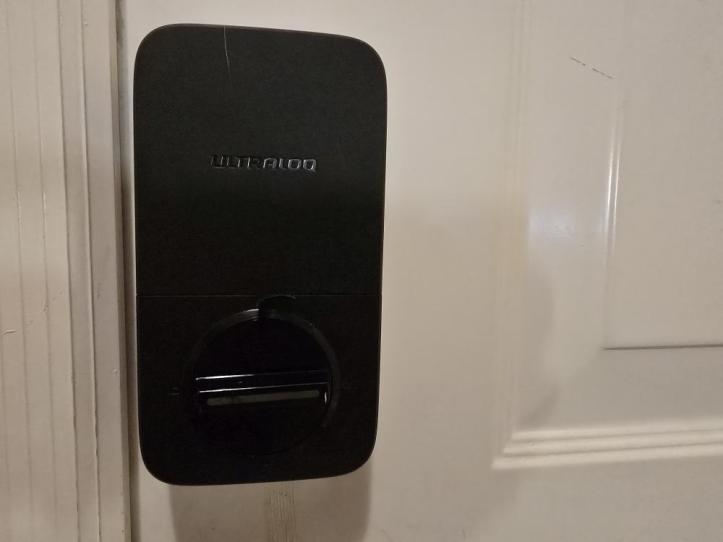
The ULTRALOQ Bolt NFC features a sleek, modern design crafted from a strong zinc alloy for enhanced durability and security, often available in a Satin Nickel finish. The exterior housing is also IP65 rated for weather resistance, shielding the electronics from dust and water and allowing it to operate in a wide temperature range. While the exterior focuses on durability, the internal part features a matte finish with a thumb-turn knob. Overall, the design aims to offer an elegant appearance that blends with various door styles, while its robust construction is engineered to meet high standards for security and longevity.

EXPERIENCE
Installing the ULTRALOQ Bolt NFC doesn’t need to involve a professional. The whole process was very straightforward and required just a screwdriver and the original deadbolt cutout on my door. . It involved removing the old lock assembly, installing the new deadbolt and keypad, and then connecting the interior components.
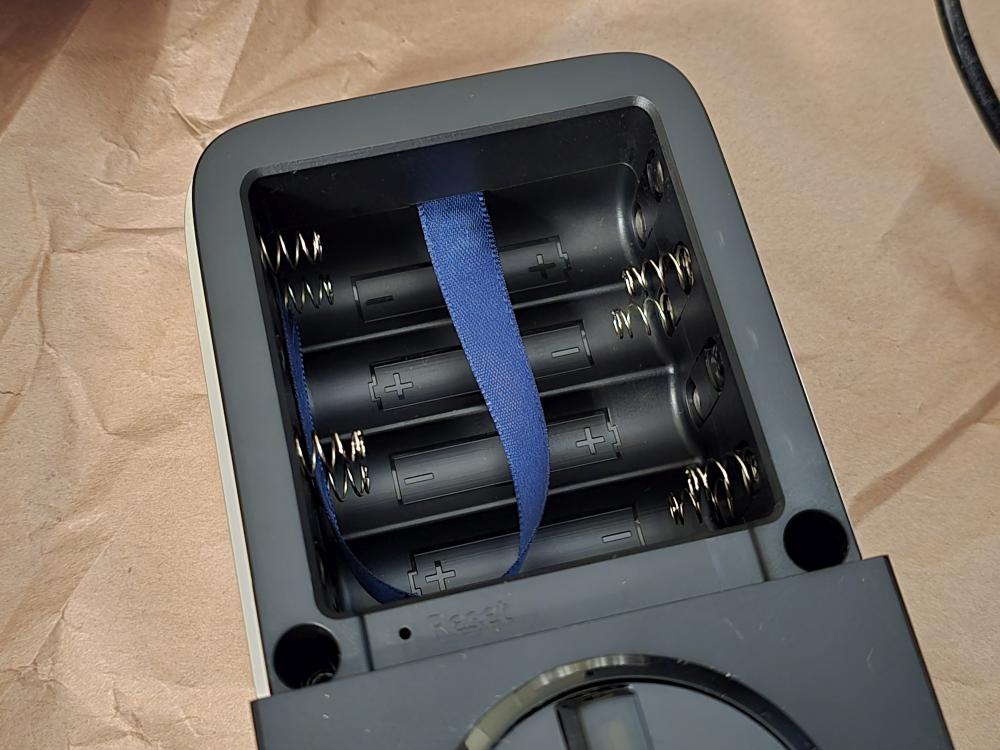
Once the hardware was physically mounted, I inserted the required eight AA batteries (a high number, but necessary for the feature set and longevity). The whole process took me roughly about 15 minutes, and it felt secure and sturdy once complete.
After the physical installation, it’s on to the app setup. First, download the U-Home app to your smartphone and follow the instructions for adding a new device. You will need to create a U-Home account and link your device to the account. Setup isn’t too difficult and works pretty much like every other smart home device – set up the lock to connect to your 2.4Ghz wireless router, set up any real-time notifications, and setting up your users.
Adding other users was seamless through the U-Home app. I could easily set up unique, permanent PIN codes for my family members.
What I really love about this system is the activity log. It allows me to see exactly who came home and when, whether they used their personal PIN, the physical key, or the app. It turns the simple act of locking the door into a functional, accountable security system.
FINAL THOUGHTS
Overall, I’ve found the ULTRALOQ Bolt NFC to be a very good smart deadbolt. It was surprisingly easy to configure and set up, which is a huge plus for any piece of smart home technology. The ability to unlock with my Android via NFC is a convenient feature. Combined with the flexibility of allowing others to enter with a code or keycard, this lock provides a seamless and secure experience for everyone who needs access.
SHOP LINK
Thank You for Visiting TheGamerWithKids
I love bringing you guys the latest and greatest reviews whether it be apps or gadgets, but hosting and maintaining a website doesn’t come cheap. If you would like to purchase any of the items mentioned on the site, please do so by clicking our links to Amazon first and then purchasing the items. This way, we get a small portion of the sale and this helps me run the website. Thanks!
This review is made possible with my affiliation with G Style Magazine. These items were sent to us by the company or their PR reps for review and evaluation. It is also featured on the G Style Magazine website which is a tech blog that focuses on the fashion aspect of tech. Please visit their site for more interesting reviews on all your favorite gadgets and gear.
 The Gamer With Kids