
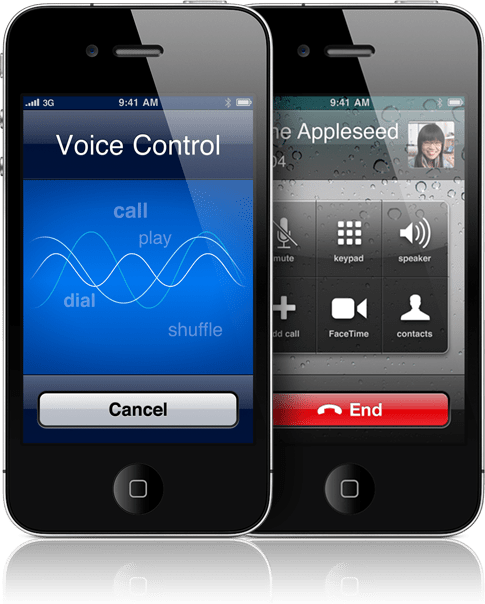
Did you know you could control your iPhone by just using your voice? You can enable Voice Control be holding down the home button for 2 seconds which will activate the Voice Control screen. From there, just say what you want it to do. Voice Control works for making phone calls and controlling the iPod player. Below is a full list of commands you can make.
Voice Dialing
* Call someone in contacts
Say “call” or “dial”, then say the name of the person. If the person has more than one phone number, you can add “home” or “mobile,” for example.
* Dial a number
Say “call” or “dial,” then say the number.
Playing Music
* Control music playback
Say “play,” or “play music.” To pause, say “pause” or “pause music.” You can also say “next song” or “previous song.”
* Play an album, artist, or playlist
Say “play” then say “album,” “artist,” or “playlist” and the name.
* Shuffle the current playlist
Say “shuffle.”
* Find out more about the currently playing song
Say “what’s playing,” “what song is this,” “who sings this song,” or “who is this song by.”
* Use Genius to play similar songs
Say “Genius,” “play more like this,” or “play more songs like this.”
Additional Voice Commands
* Find out the current time
Say “what time is it?” or “what is the time?”
* Cancel Voice Control
Say “cancel” or “stop.”
 The Gamer With Kids