
 I’m a fan of using a real camera whenever I go on vacation. As good as the camera is on my iPhone, I just can’t seem to completely trust having my memories snapped using my smartphone. The quality of photos from it are inconsistent and sometimes I end up capturing a really bad photo of an event that you just can’t go back and take again. That’s why I always carry a real camera with me on vacations and special events.
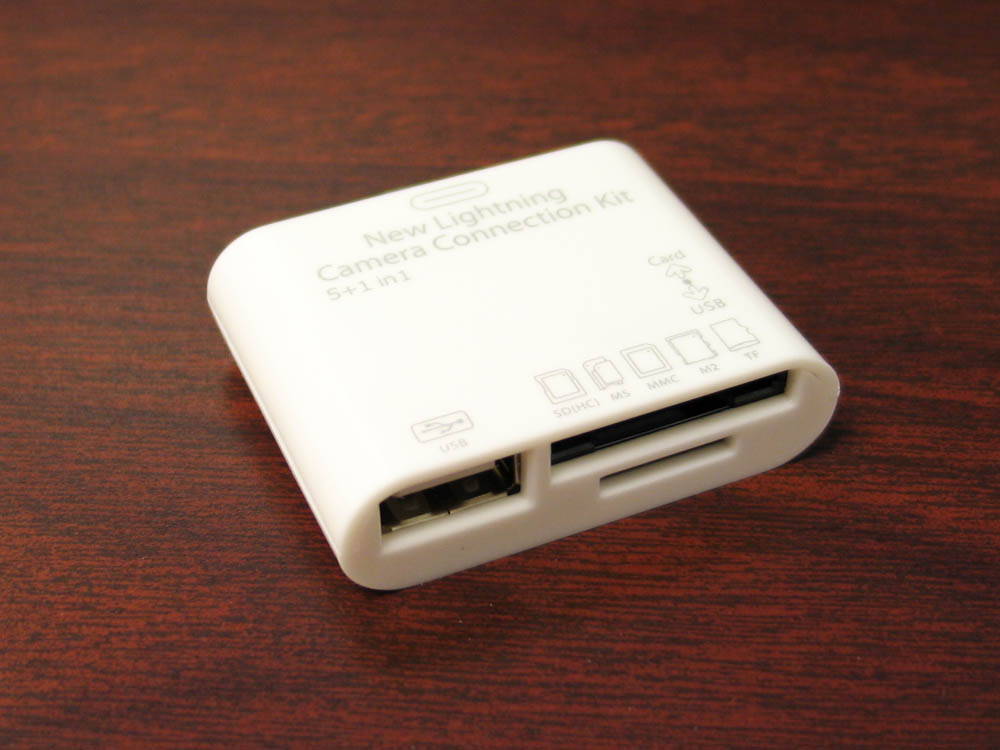
The one problem with that though is that I usually can’t share any of those photos on any of my social networks or with family and friends until I get home and upload them to my computer. I don’t usually carry a laptop with me and for the most part, only have my iPad Mini which doesn’t have a card reader or USB port. Of course there’s ways around that now and one of the easiest solutions is the New Lightning Camera Connection Kit that is being sold by Cellz.com. Basically what it is is an attachment for your iPad that allows you to read SD cards, Micro SD cards, and even connect a camera to your iPad with a USB connection. Your iPad is then able to pull photos off of them with the Photos app.
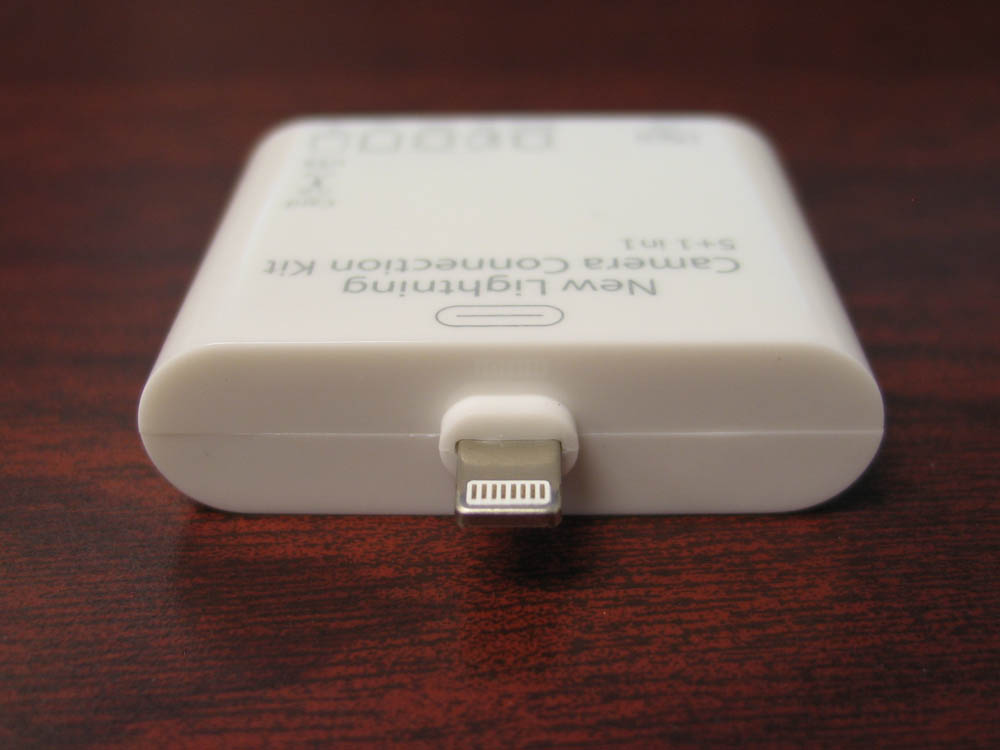 The New Lightning Camera Connection Kit is a plastic attachment that is pretty small so you’re able to just throw it in your bag or pocket if you know you’re going to have to pull photo off your camera. I keep it in my camera bag so I won’t forget it if I’m taking my cameras out. The attachment has the look of an Apple made device being all white, but the plastic looks a bit cheapy and fit and finish is not the same as a real Apple device. However, I’ll let that slide here because this device is dirt cheap. It only costs around $6 on their website so I’m not expecting something magnificent. All I care about with this is whether or not it works.
All you do is just plug in the New Camera Connection Kit to your iPad and it should automatically work. Pull up the Photo app and you should see a new option at the bottom that says “import.” Tap on this and it will bring up all the photos on your memory card or camera. From here you’ll be able to import these photos and move them to you albums on your iPad. The Photo app will also ask you if you want to delete the photos from you memory card after importing them. You may also choose to keep them.
 For the most part, it works well and connects fine. I do run into an issue where sometimes, it will tell me that something “the cable or accessory is not certified and may not work reliably with this iPad”, but then all I do is unplug it a few times until it starts to work. In reality, it should work all the time, but this isn’t an Apple certified device so I don’t entirely expect it to work all the time. When it does, it works great. When it doesn’t, I just keep trying until it does.
Overall, though the New Lightning Camera Connection Kit might not be perfect, I can’t say that I would recommend against buying this. The accessory is very cheap in price and does work when it wants to. This is a fraction of the cost of the Apple one so I’m willing to accept some of its faults if it means saving quite a bit of money.

