
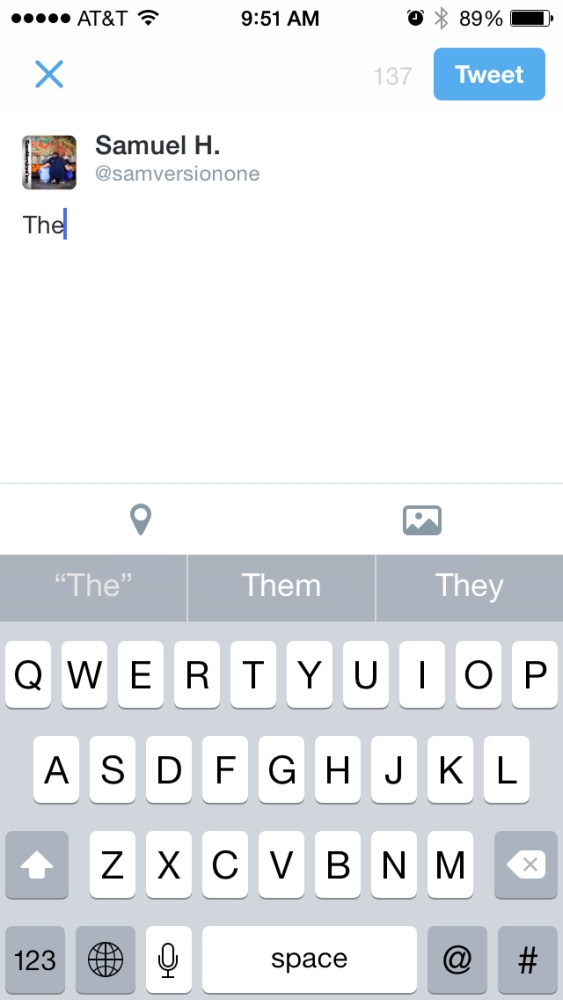
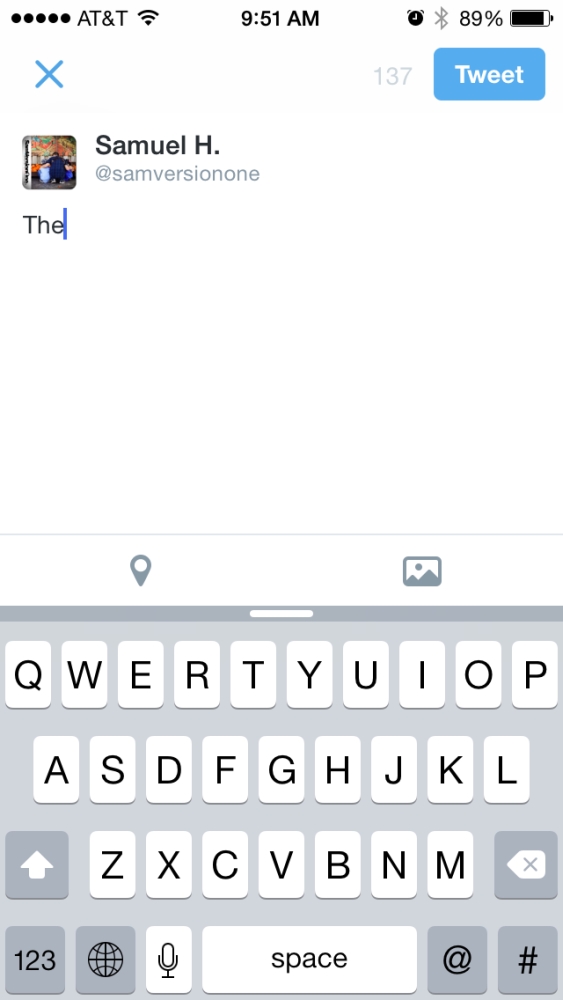
One of iOS8’s new features is that of the new predictive text bar that appears above the keyboard. This bar is supposed to display word suggestions as you type and predict what that word will be and what the next word might be. Sometimes it works quite well, sometimes not so much. It is pretty interesting though to see what words they suggest.
Anyways, not everyone will want use this feature all of the time and instead of just turning it off completely in the settings, there is a way to just quickly minimize the predictive bar if you don’t want to use it at the moment, but still want it around. All you have to do is just tap and hold the predictive bar and slide your finger down. That should minimize the bar to what you see on the above right photo. If you want the bar back, just tap and hold the minimized bar and slide your finger back up and it will reappear.
 The Gamer With Kids